AI Grammar Checker: The Only 2 Tools You Actually Need
An honest guide to the AI grammar checker: what it really fixes, how to use one without becoming dependent, and why polished writing gets flagged as AI.
Let's be honest, guys. Most of us aren't that great at English. When I moved to the U.S., writing in English scared me much more than speaking it. An email to a professor, a cover letter for a job, even a simple LinkedIn or Instagram post – and my brain would immediately start overthinking: Do I need an article here? Is this the right tense? Should there be a comma?
Sound familiar?
Then I have some good news. Before I discovered Claude, I could easily spend half an hour stressing over a single post. Now I simply feed Claude the story I want to tell, do a quick grammar check in Grammarly afterward, and I'm done. Five to seven minutes later, my thoughts are fully developed and polished into natural English.
The old-school spell checker is dead. All it ever did was underline words it thought were misspelled. That was enough twenty years ago, but it's nowhere near enough today. That's actually why I decided to write this post.
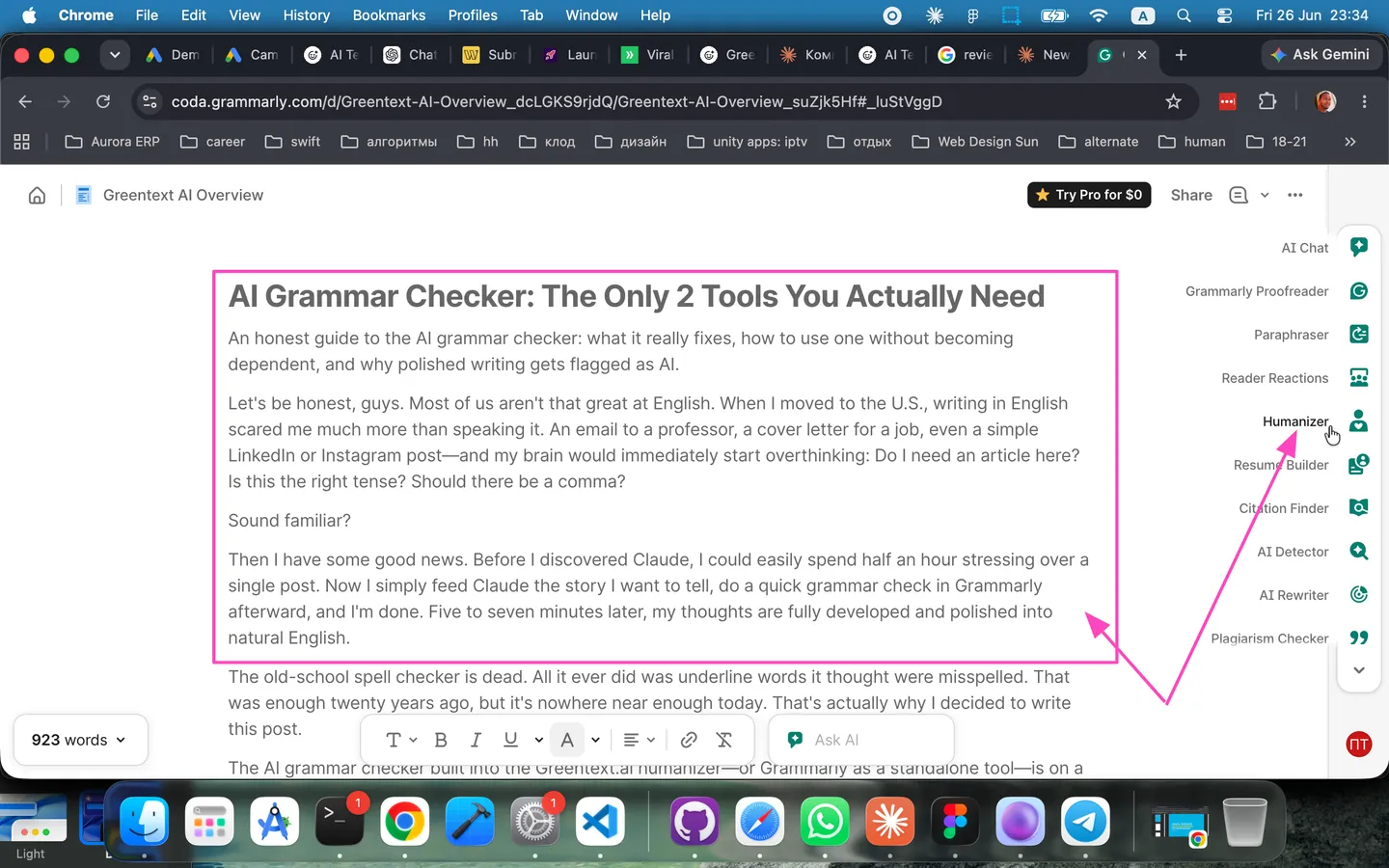
The AI grammar checker built into the Greentext.ai humanizer — or Grammarly as a standalone tool — is on a completely different level. Think of it as an AI writing assistant that actually understands context. It catches not only spelling mistakes but real grammar issues too: subject-verb agreement (like writing "he go" instead of "he goes"), articles, tenses, prepositions, punctuation — you name it.
Another thing I absolutely love is that the best grammar checkers are multilingual. Writing in English and other languages? English, Spanish, German, and French — modern grammar tools handle multiple languages effortlessly. That's no longer science fiction. It's incredibly convenient if, like me, your life happens across two or three languages every day.
So how do you use them properly (without becoming dependent)?
This is the most important part. The tools are amazing, but I definitely learned a few lessons the hard way.
Please 🙏 don't just smash Accept All without thinking. Read every suggestion. Seriously.
Neither an AI grammar checker nor an automatic text humanizer can become your English teacher. Maybe it changes the to a, and you don't even notice. But if you stop for a second and understand why it made that change in the context of your sentence, chances are you'll never make the same mistake again. That's how you actually improve your English instead of becoming dependent on a button.
Use a paraphrasing tool whenever a sentence is technically correct but still feels awkward. Sometimes a simple rewrite is what takes your writing from merely correct to genuinely natural.
And one more rule: write first, edit later. Don't let your grammar checker interrupt your train of thought after every sentence. Dump the entire draft onto the page first, then edit it. Get used to it – your time is valuable, and you should start treating it that way. At the creative stage, momentum matters far more than perfect grammar.
Honestly, it's not magic
An AI grammar checker can make your writing almost error-free. But it can't generate your ideas, capture your personality, or make your writing interesting. Grammar is hygiene. Your voice is still yours.
The biggest writing paradox of 2026
The cleaner your writing becomes, the more suspicious it can look to AI detectors. Once you've polished a text with AI tools, it often becomes too clean. And who writes perfectly clean text? AI.
That's why if you run your writing through an AI detector like Greentext AI Detector, there's a good chance it'll flag parts of your text as AI-generated — even if you wrote every single word yourself and only used AI to fix grammar. I'm not exaggerating.
This has become a real headache for students, freelancers, and anyone writing in a second language. You submit completely original work, run a grammar check first, and suddenly an AI detector says, "This looks AI-generated." Annoying, right? It drives me crazy every single time.
So what should you do?
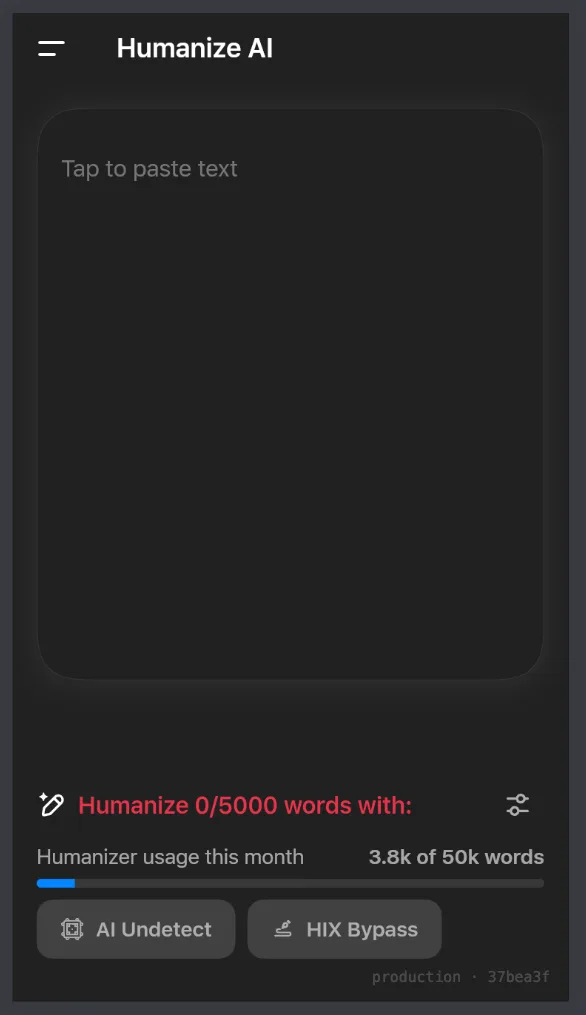
After fixing grammar, spelling, and punctuation, I follow a very simple two-step workflow. First, I run the text through an AI detector to see how "machine-like" it sounds. If it feels too artificial, I bring my own personality back into it. My own rhythm. The phrases I'd naturally use. Those little imperfections make writing sound genuinely human. Or, if I want to save time, I use an AI humanizer that keeps the writing natural without sacrificing quality.
Think about it this way:
A grammar checker makes your writing correct.
An AI detector tells you whether it sounds overly machine-written.
A humanizer helps make sure it still sounds like you.
That's the workflow I'd recommend to anyone writing in a language that isn't their native one.
The bottom line
An AI grammar checker is practically essential if you write in English and don't want tiny grammar mistakes holding you back. It fixes grammar, spelling, and punctuation in real time, supports multiple languages, and saves an enormous amount of time and stress. Just remember two simple rules: learn from its suggestions instead of hiding behind them, and always make sure your beautifully polished writing still sounds like it came from a real person.
Perfect English comes from practice, the right tools, and time. And you'll absolutely get there. 💪
Fixed your grammar? Spend another 10 seconds checking whether your writing looks AI-generated with the Greentext AI Detector. If it does, bring back your natural voice before you hit publish.